According to Forrester, over half of B2B leaders don’t trust their CRM data.
But most founders and sales leaders assume their CRM is working.
The dashboard opens, the team updates it, and nothing looks obviously wrong.
Until the small signs start showing up:
→ Your pipeline report and the team’s real pipeline don’t match.
→ Deals go cold with no explanation.
→ Forecasts are consistently off.
→ Managers export everything to sheets because “the CRM version isn’t accurate.”
→ These are early indicators of a visibility problem, not a tool problem.
If you think your systems are failing you, this guide makes one thing clear:
The issue is visibility and fixing it is far simpler than rebuilding your stack. Let’s dive in.
What CRM Visibility Really Means
Visibility isn’t only about dashboards.
It’s about opening a record and immediately understanding:
• where it came from
• who owns it right now
• what the next step is
• how it reached its current stage
• what activity has happened
• how close or far it is from converting
If you need separate sheets, Slack messages, or follow-up calls to confirm the real status, visibility has dropped.
💡CRM visibility = knowing where work is, who owns it, and what needs to happen next.
The Early Warning Signs Your CRM Needs a Fix
Small CRM issues show up as repeated annoyances - mismatched reports, inaccurate forecasts, stalled deals, missing next steps long before the system looks broken.
Here’s what most founders and CROs notice first:
• Pipeline reports change based on who generates them
• Deals stay active but rotting without recent activity
• Forecasts shift frequently
• Team members track key work outside the CRM
• Attribution skews heavily toward “Direct”
• Duplicate contacts appear often
• Stages don’t reflect how the team sells today
• Sales cycle length becomes unclear, and no one can tell how long deals actually take from first touch to close.
These aren’t CRM glitches.
These are symptoms of deeper structural issues.
Also Read: How to Implement RevOps in SaaS Startups
The Hidden Reasons Your CRM Keeps Falling Out of Shape
CRMs drift when the business evolves but the system stays the same.
A few patterns drive the loss of visibility:
• Sales process changes but stage definitions don’t
• New hires bring their own habits into data entry
• Properties get created quickly to answer reporting questions
• Tools push incomplete records into the CRM
• Ownership structures shift without updating routing rules
• Workflows accumulate and no one removes old ones
• Attribution logic isn’t maintained as marketing channels grow
Over time, the CRM stops matching how your team sells. That’s when visibility collapses.
When a CRM Fix Becomes Mandatory
A CRM fix becomes essential when reporting stops matching what the team sees in day-to-day work.
Cleanup becomes a priority when:
• Forecast drift becomes recurring
• Deals cluster in one stage for weeks
• More than a small share of records are duplicates
• Team members prefer spreadsheets for clarity
• Attribution doesn’t match marketing activity
• Records lack next steps
These are indicators that the system isn’t supporting revenue work anymore.
Also Read: How B2B Teams Can Build Outbound Systems That Actually Convert
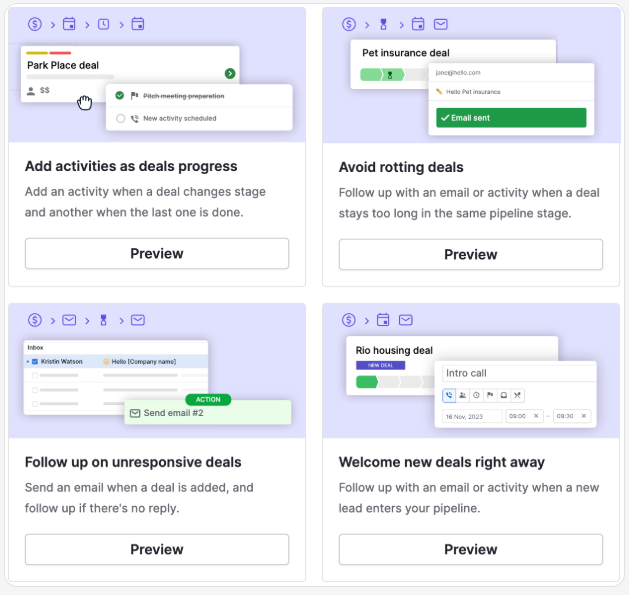
How To Restore CRM Visibility Without Rebuilding the System
Visibility can be restored through cleanup, clearer rules, and regular maintenance.
1. Start with a short diagnosis/audit
A focused review of hygiene, stages, ownership, attribution, and workflow logic gives a clear starting point.
2. Clean and standardise properties
Merge duplicates, set required fields, add consistent naming, and remove unused entries.
3. Refresh lifecycle and stages
Align stage meanings with how the team sells today.
Add clear entry and exit conditions.
Require next steps.
4. Reset ownership rules
Define who owns what and for how long.
Introduce basic SLA timers for follow-ups.
5. Trim workflows
Archive workflows that no one uses.
Keep the system light and predictable.
6. Repair attribution
Map every channel correctly.
Review how leads convert into deals.
Fix gaps in source reporting.
7. Add a monthly CRM Review/Audit
To summarise:
A light maintenance routine prevents drift as the team and motion evolve.
Visibility comes from structure: clean data, clear stages, clear ownership, and realistic workflows.
When the CRM reflects real work, forecasting steadies and teams move faster.
A cleanup is usually enough to bring that clarity back.
If you’d like a free CRM Audit done, get in touch. Happy to walk you through the process.
But if you’d like to learn more about the CRM visibility gap, check Fix your CRM page for more clarity.
FAQs:
1. What’s the fastest way to check if visibility is low?
Compare dashboard numbers with individual deal reviews. If they don’t align, visibility is off.
2. Do we need a new CRM if visibility is low?
A cleanup is usually more than enough.
3. How long does a cleanup take?
The time varies based on data volume and workflow complexity.
4. Why does cleanliness drop even if the team is careful?
Because the sales motion keeps evolving, but the CRM structure stays the same.
5. What does a good CRM review include?
Data checks, pipeline & stage rules, ownership logic, attribution, and workflow behaviour.